
Creating Social Media Posts
Learn to use pre-built templates to quickly create, preview, and fine-tune social media posts with ease on ContentPaul.
ContentPaul makes it easy to create social media posts with the help of system-provided templates that cover a wide range of social media platforms and post types. These templates come pre-configured with all the necessary fields to ensure a complete and successful post, saving time and reducing the chances of missing critical information.
Steps to Create a Social Media Post:
- Start a New Content Item:
- Navigate to the content creation section (either in Browse, Calendar or Kanban).
- Click on "Create" to begin.
- Select a Social Media Template:
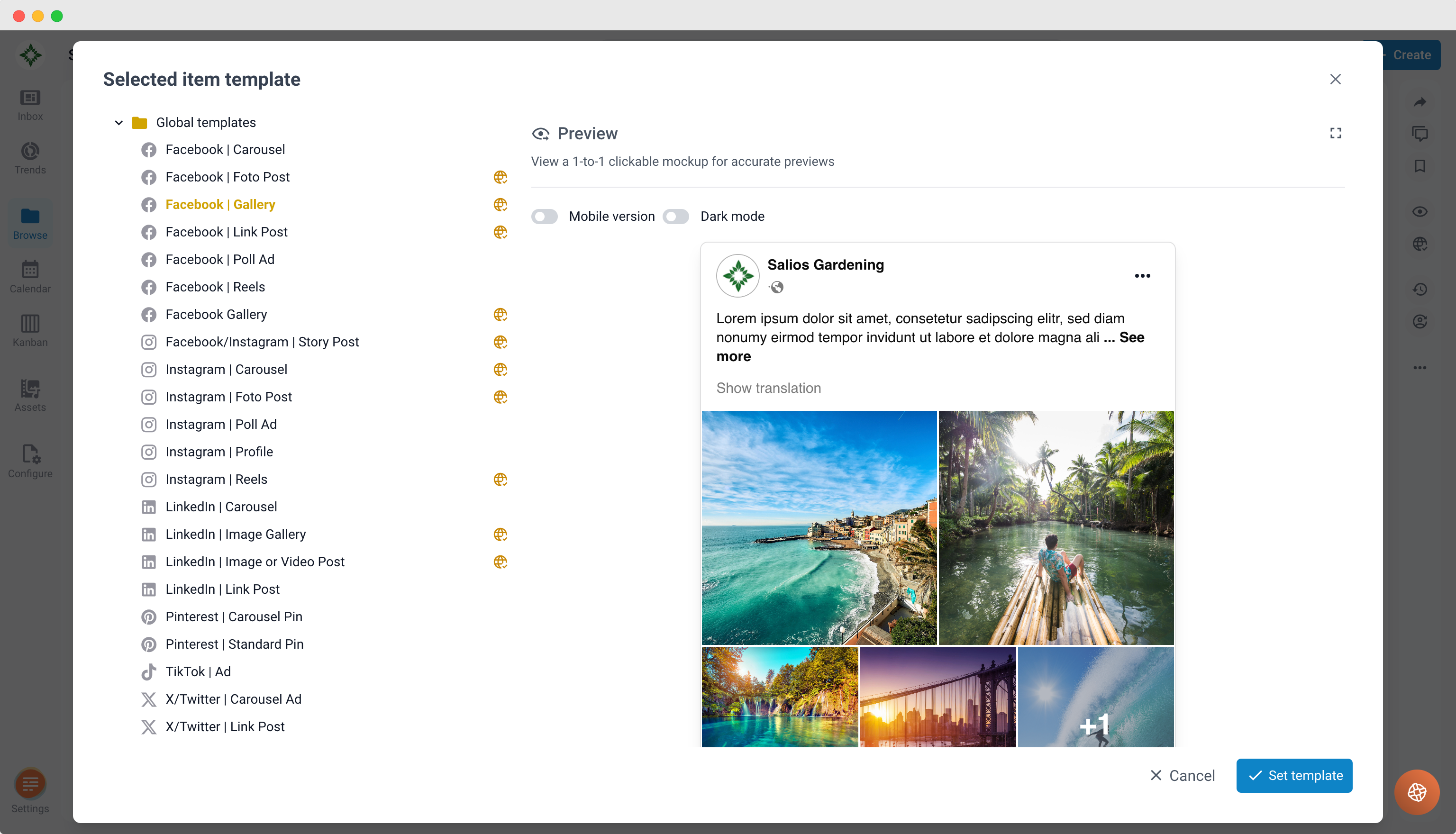
- In the template selection screen, browse the available global templates. ContentPaul continuously updates this list with new templates for different platforms (e.g., Facebook, Instagram, Twitter).
- Choose the template that matches the type of social media post you wish to create.
- Fill Out Required Fields:
- Once you've selected a template, you'll see a form with fields specific to that post type.
- - Enter all the necessary information, such as the post text, images, videos, hashtags, and any other details required by the template.
- Preview Your Social Media Post:
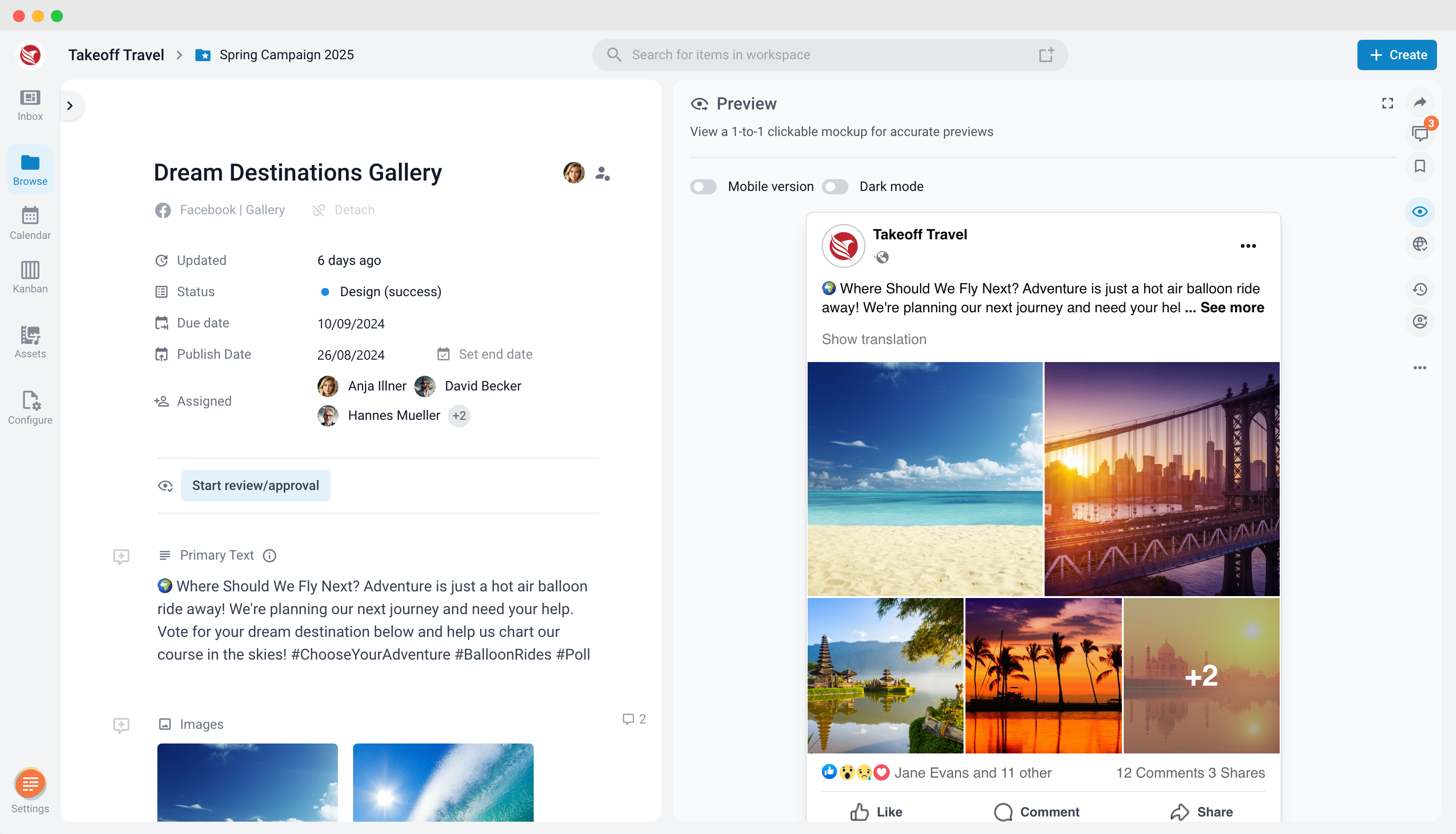
- After filling in the template, click the preview icon located in the right sidebar.
- A 1-to-1 preview of your post will appear, showing exactly how it will look when published on the chosen platform. This allows you to review the post’s layout, text, and visual elements in a realistic format before finalizing it.
By following these steps, you can easily create, preview, and fine-tune social media posts directly within ContentPaul, ensuring your content looks just right before going live.