View Active Users
See who’s accessing an item in real-time with ContentPaul's active user visibility to prevent potential editing conflicts.
The Active User Visibility feature in ContentPaul helps prevent editing conflicts by showing which users are currently accessing an item.
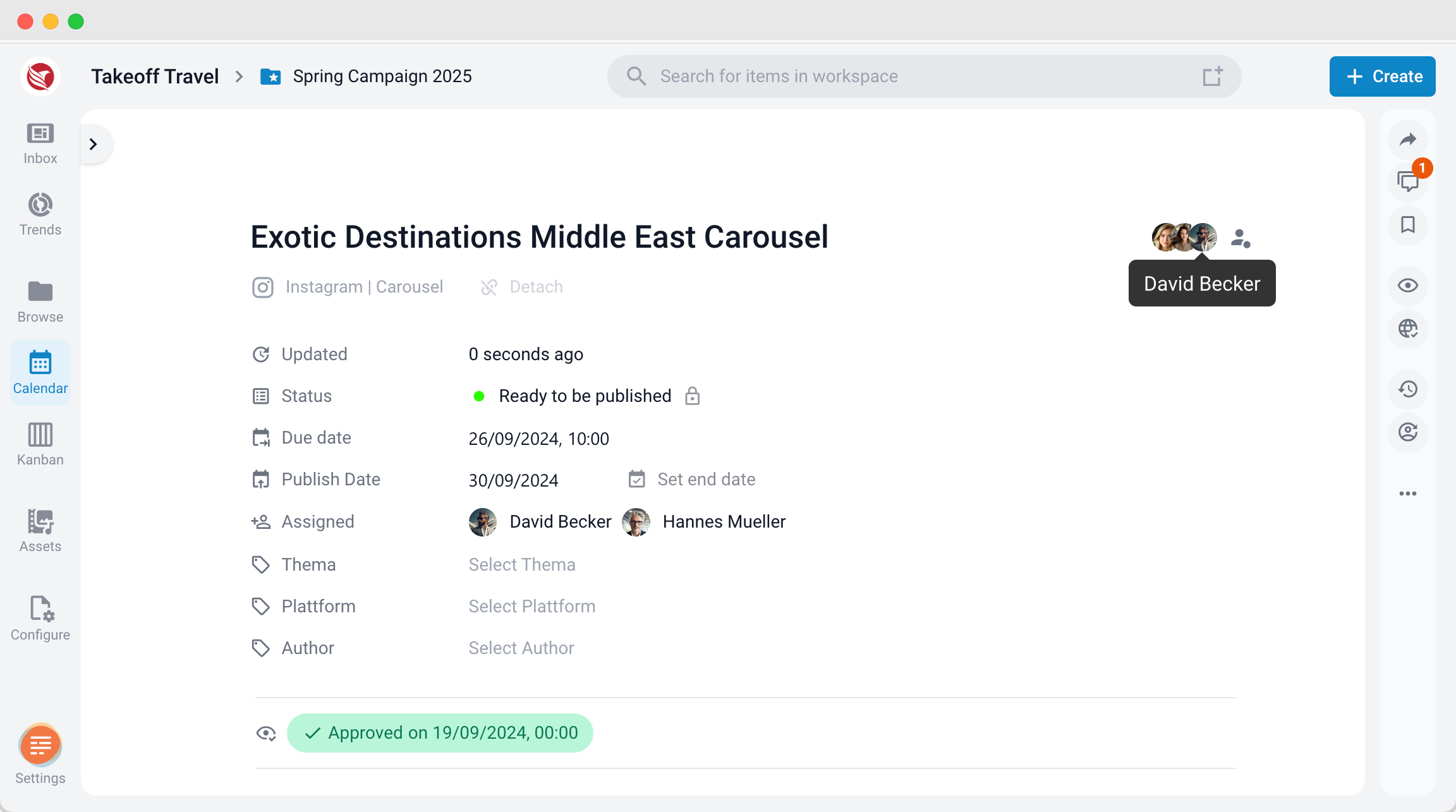
- Location of Active Users: When viewing an item in the Editor, user avatars appear next to the item title, displaying any active users who are currently working on that item.
- Purpose: This feature gives you a clear view of who else is accessing the content, alerting you to potential overwrite situations due to simultaneous edits.
By checking the active user avatars, you can better coordinate with team members to avoid accidental overwrites.