Roles and Permissions
Different preset roles on ContentPaul come with unique permissions that provide tailored access and capabilities. Each role unlocks specific features to help you manage, collaborate, and publish content efficiently. These permissions define what you can do—from reviewing content to managing entire projects.
Approver / Reviewer
As an Approver on ContentPaul, you only see items assigned to you, both current and past. Your menu includes Inbox, Calendar, and Settings. While you cannot edit items, work with notes, update assignments, and change workflow statuses. You can comment on items, but you won’t have visibility of comments restricted to the team.
Editor
As an Editor on ContentPaul, you have full permissions to create, edit, and collaborate on content. However, you cannot create or edit templates, workflows, tags, start an approval flow or handle social media connections and publishing.
Project Manager
As a Project Manager on ContentPaul, you have all the permissions of an Editor, plus the ability to create/edit templates, workflows, and tags, start approval flows, and connect/publish to social media platforms. You can also invite and manage users and workspaces.
Admin
As an Admin on ContentPaul, your role extends beyond that of a Project Manager by granting access to account management, subscription details, and payment information. All other permissions remain the same.
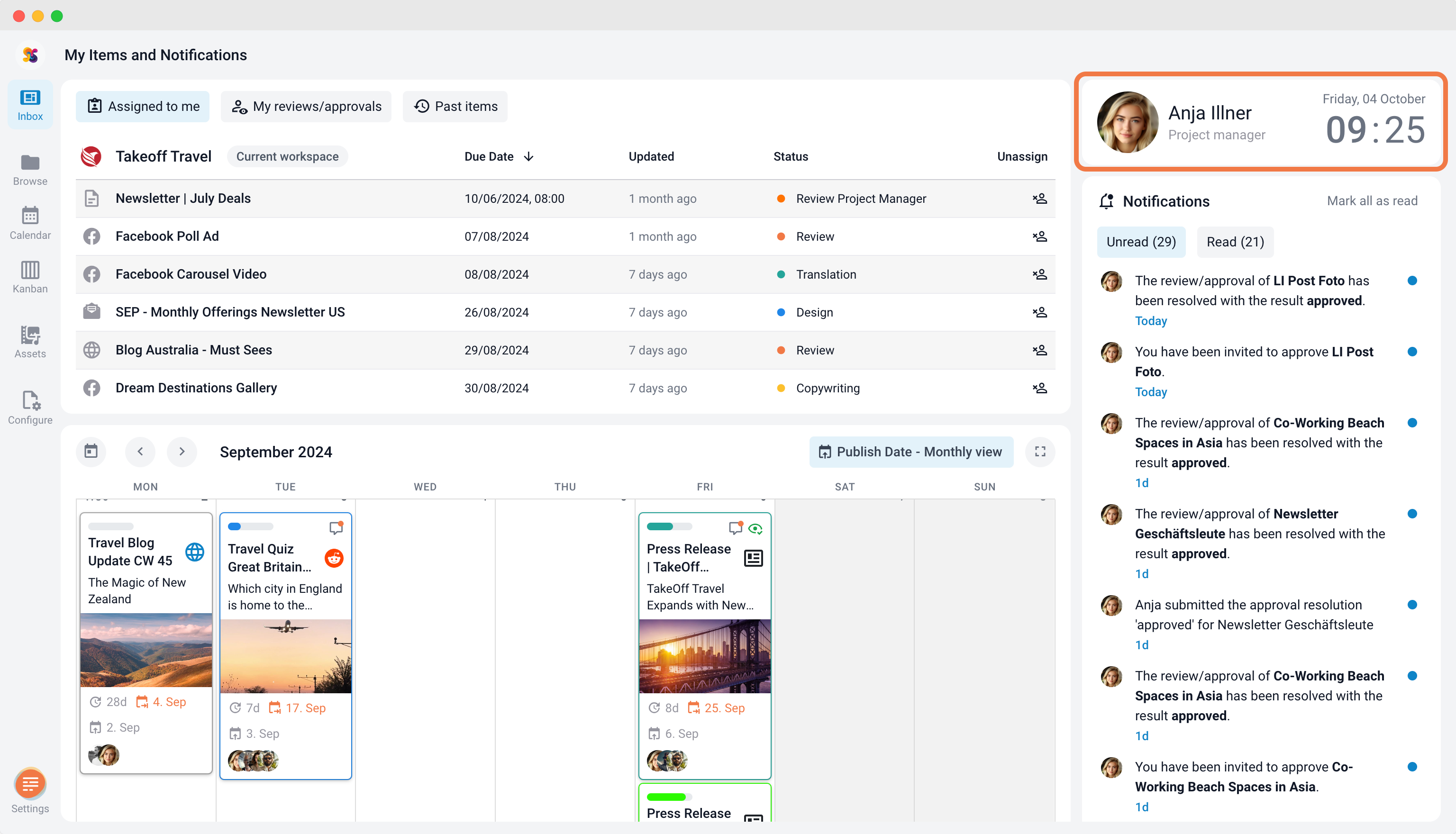
How to Check Your User Role in ContentPaul
If you're unsure of your role, click on Inbox in ContentPaul. Your name and role will appear at the top right, just below your name, providing a quick way to confirm your permissions and access level.