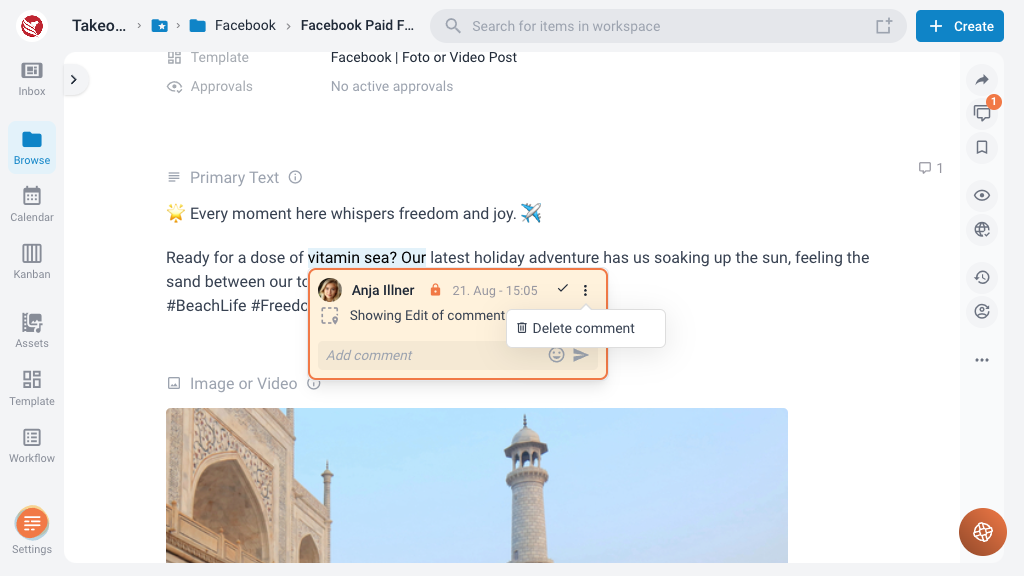
Key Features of the Commenting System
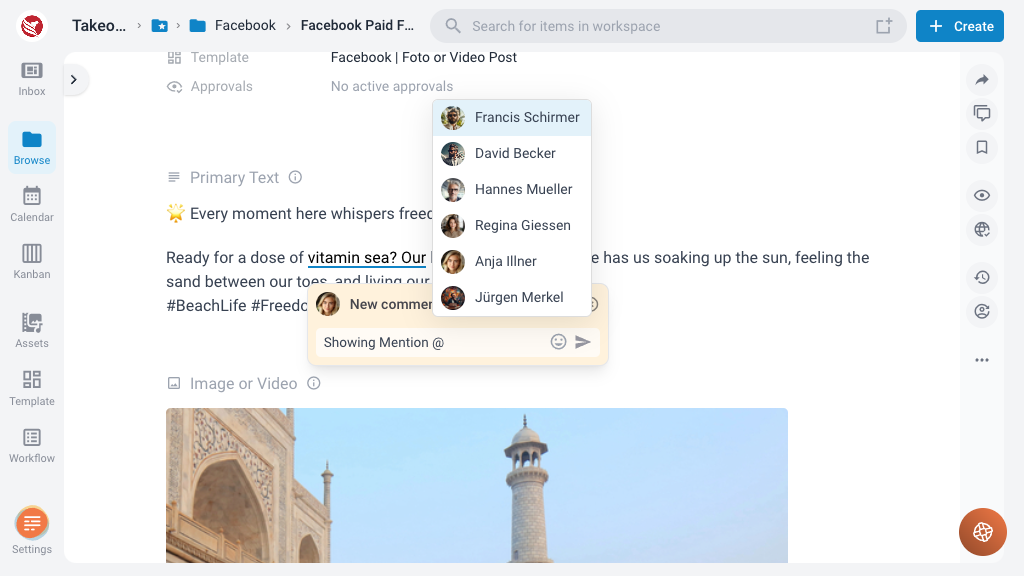
Mention Comments
To direct feedback or questions to specific team members, users can mention others in their comments using the "@" symbol followed by the username. Mentioned users receive a notification with a direct link to the content item and the specific comment. These notifications can be accessed from the inbox within ContentPaul or through email, if email notifications are enabled in the user settings.
Public vs. Team Comments
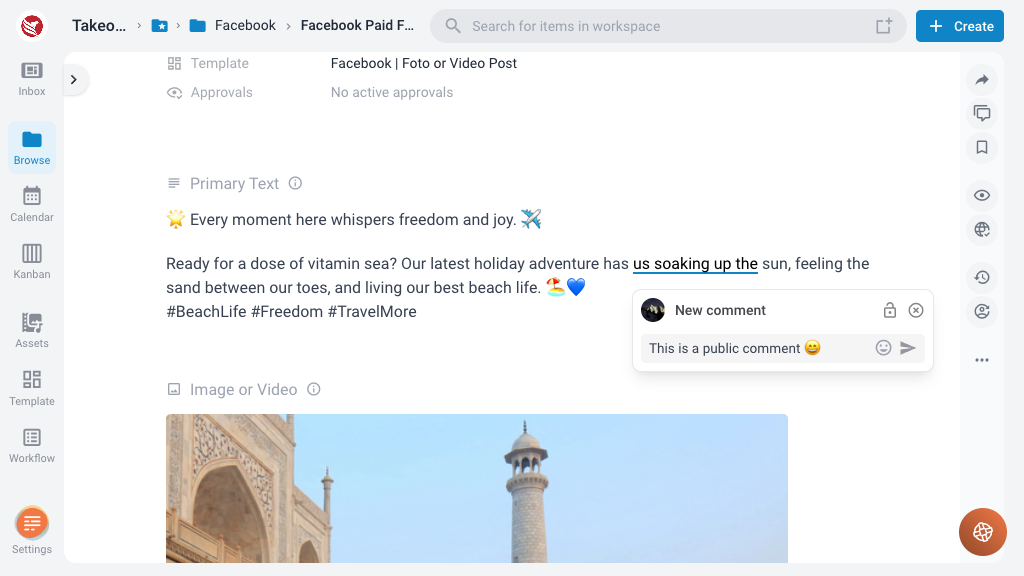
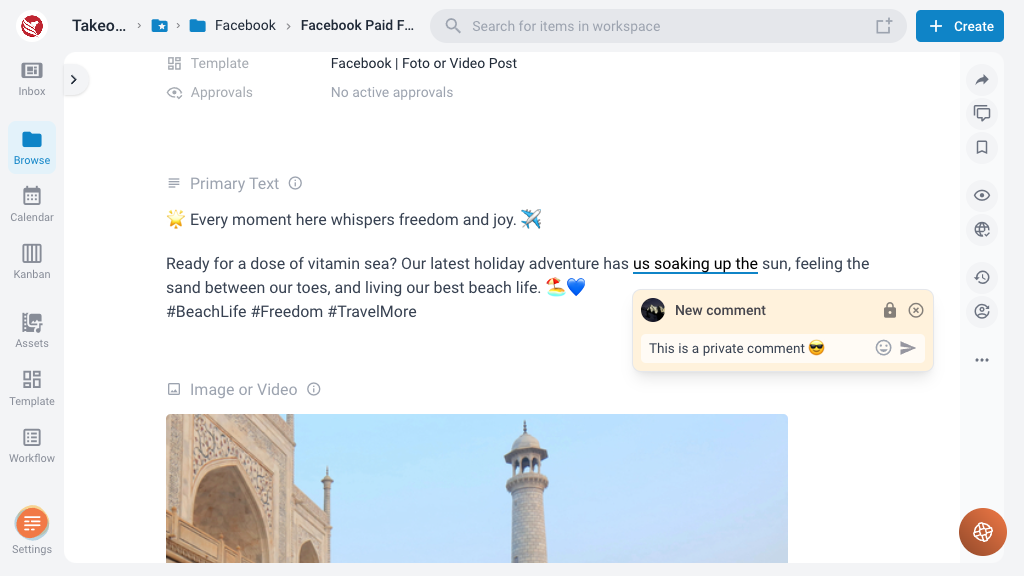
Each comment features a visibility switch that allows users to choose the audience for their comment:
- Public Comments: Visible to everyone with access to the content item, including external stakeholders or clients.
- Team Comments: Restricted to team members only, excluding approvers. This ensures that internal discussions and feedback are kept within the project team, maintaining privacy and focus.
Resolve Comments
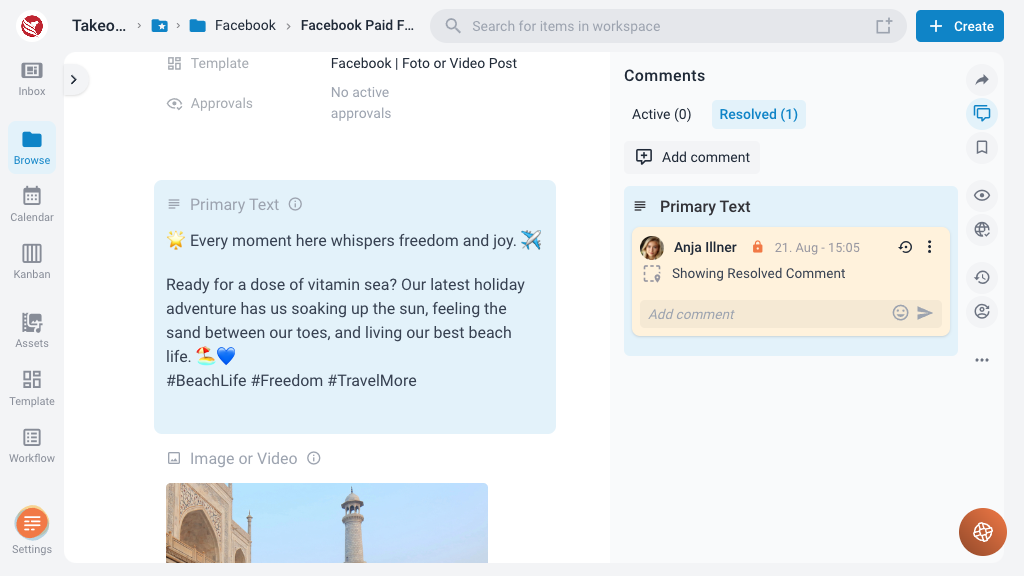
When an issue raised in a comment is addressed, users can mark the comment as resolved. This provides a clear indication that the feedback has been considered and a solution implemented. Resolved comments are hidden from the editor and are shown in the comment panel in the right side under the tab "Resolved".
Editing and Deleting Comments
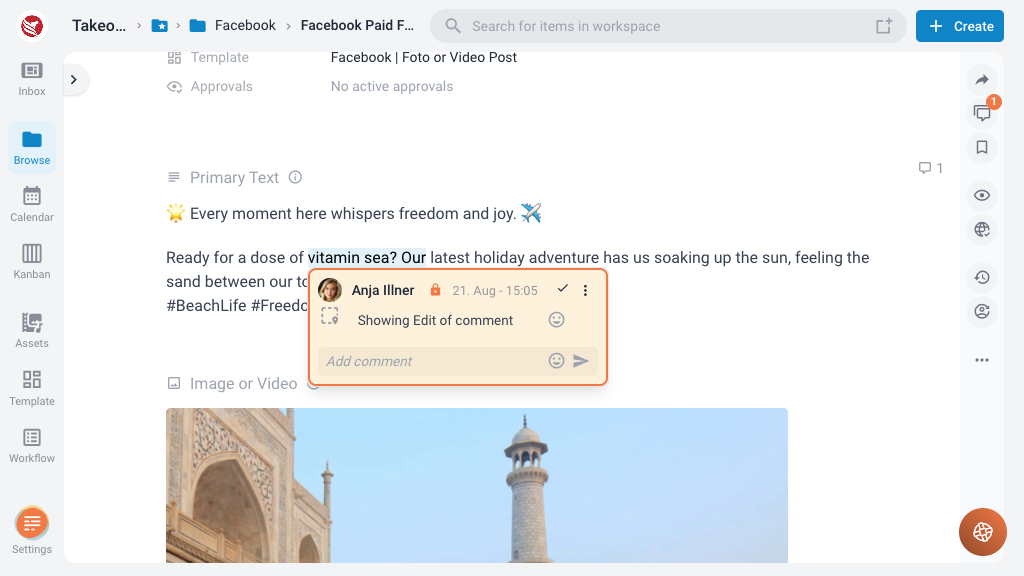
- Edit Comments: Users can edit their own comments to correct or update information. Just click into the text field containing the comment and the edit mode is activated.
- Delete Comments: Users can delete their comments if they are no longer relevant or necessary.